Turn your screenshots into stunning visuals.
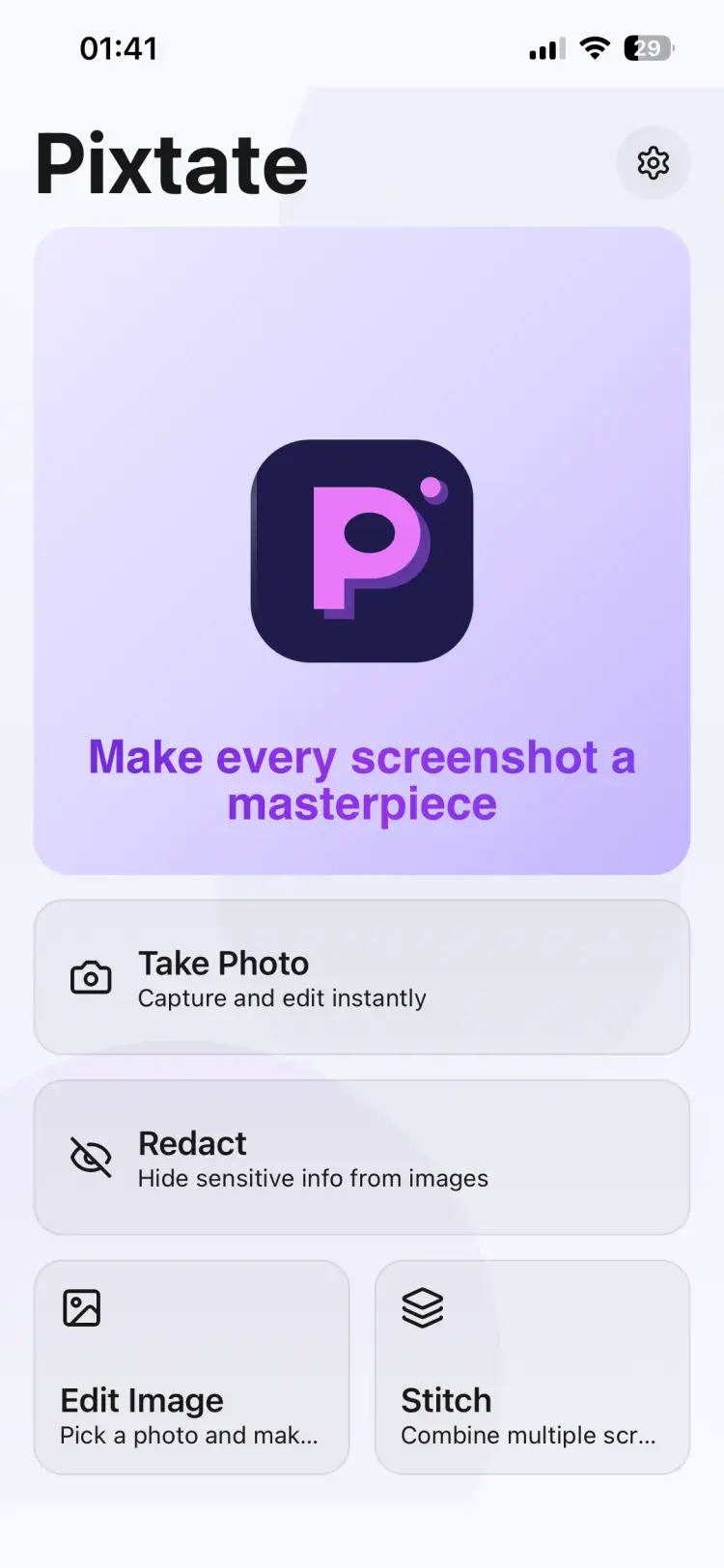
Pixtate is a powerful screenshot editor with device mockups, smart redaction, and auto beautification. Available on iOS, Android, macOS, and Windows.


Rated 4.8 out of 5
Based on App Store & Google Play reviews
Everything you need to create perfect screenshots
Powerful editing tools at your fingertips, on every platform
Device Mockups
Place your screenshots into realistic device frames for iPhone, iPad, Android, Mac, and Windows.
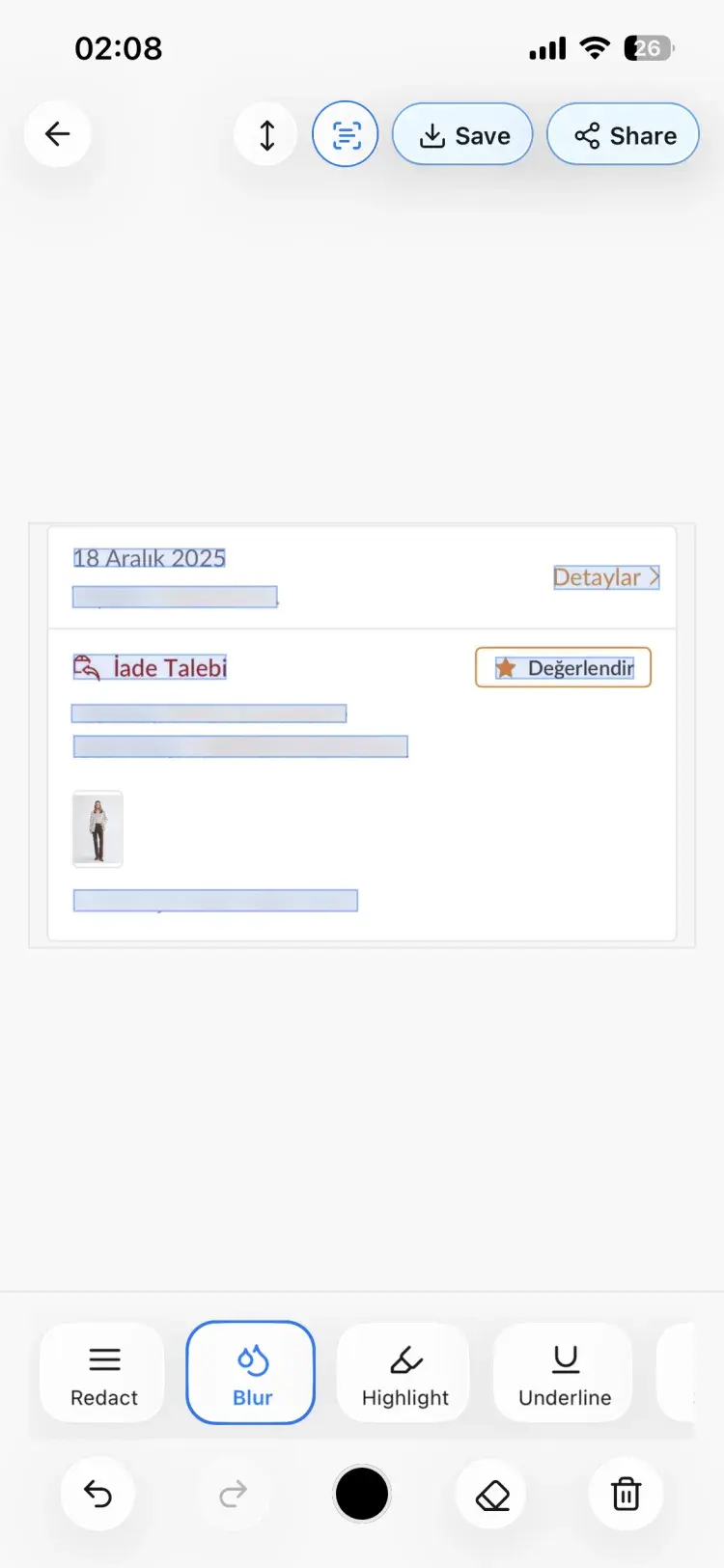
Smart Redaction
Automatically detect and redact sensitive text, personal info, and private data from your screenshots.
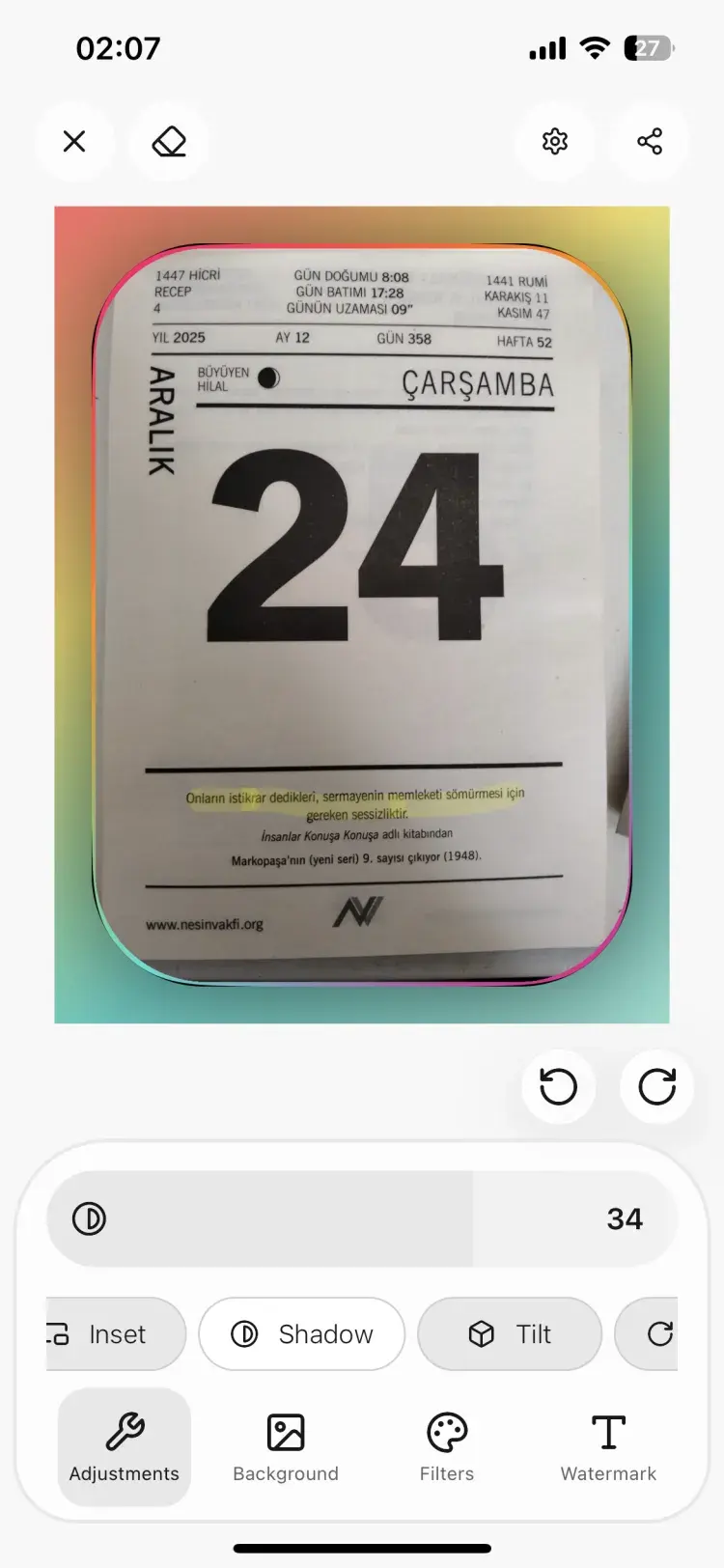
Auto Beautification
Instantly enhance your screenshots with professional backgrounds, shadows, and rounded corners.
Annotation Tools
Add arrows, shapes, text, highlights, and callouts to communicate your message clearly.
Export Options
Export as PNG, JPEG, or PDF in any resolution. Ready for social media, presentations, or documentation.
Screenshot Stitching
Combine multiple screenshots into a single long image. Perfect for capturing full pages and conversations.
Share Extension
Edit screenshots directly from your device's share sheet without opening the full app.
Background Customization
Choose from gradients, solid colors, patterns, or custom images as your screenshot background.
Loved by creators and professionals
What our users say
"Pixtate makes my App Store screenshots look incredible. The device mockups and auto beautification save me hours of work every release."
Sarah M.
iOS Developer
"I use the smart redaction daily to blur out sensitive info before sharing screenshots with clients. It's fast and accurate."
Tom R.
Product Manager
"Screenshot stitching is a game changer for documenting long conversations and full web pages. Couldn't go back."
Lisa K.
UX Designer
Works everywhere you do
Seamless experience across all your devices
Mobile
Capture and edit on the go with our intuitive mobile app. Available for iOS and Android.
Desktop
Powerful desktop application for Windows and macOS with full-featured editing tools.
Pricing
Simple, transparent pricing.
Start for free, upgrade when you need more. No hidden fees.
Free
- 3 device mockup frames
- Basic annotation tools
- PNG export
- Single screenshot editing
Pro
- All device mockup frames
- Smart text redaction
- Auto beautification
- Full annotation toolkit
- PNG, JPEG, and PDF export
- Screenshot stitching
- Custom backgrounds & gradients
- Priority support
Frequently Asked Questions
Everything you need to know about Pixtate
Pixtate is a screenshot editor that lets you add device mockups, annotate, redact sensitive text, stitch screenshots together, and auto-beautify your images. It's available on iOS, Android, macOS, and Windows.
Pixtate is available on iOS, Android, macOS, and Windows. A web version is also available at app.pixtate.com.
The free version includes 3 device mockup frames, basic annotation tools, PNG export, and single screenshot editing. Upgrade to Pro to unlock all mockups, smart redaction, auto beautification, stitching, and more.
Pixtate is free to use with core features. Pro is $3.99/month or $19.99/year. The annual plan saves you over 50%. You can cancel anytime.
Absolutely. Your screenshots are processed locally on your device. We never store or access your images on our servers. Your data stays yours.
You can cancel anytime through the App Store (iOS/macOS) or Google Play Store (Android). Go to your device's subscription settings to manage or cancel your plan.
Ready to create amazing screenshots?
Download Pixtate for free and start editing today.